
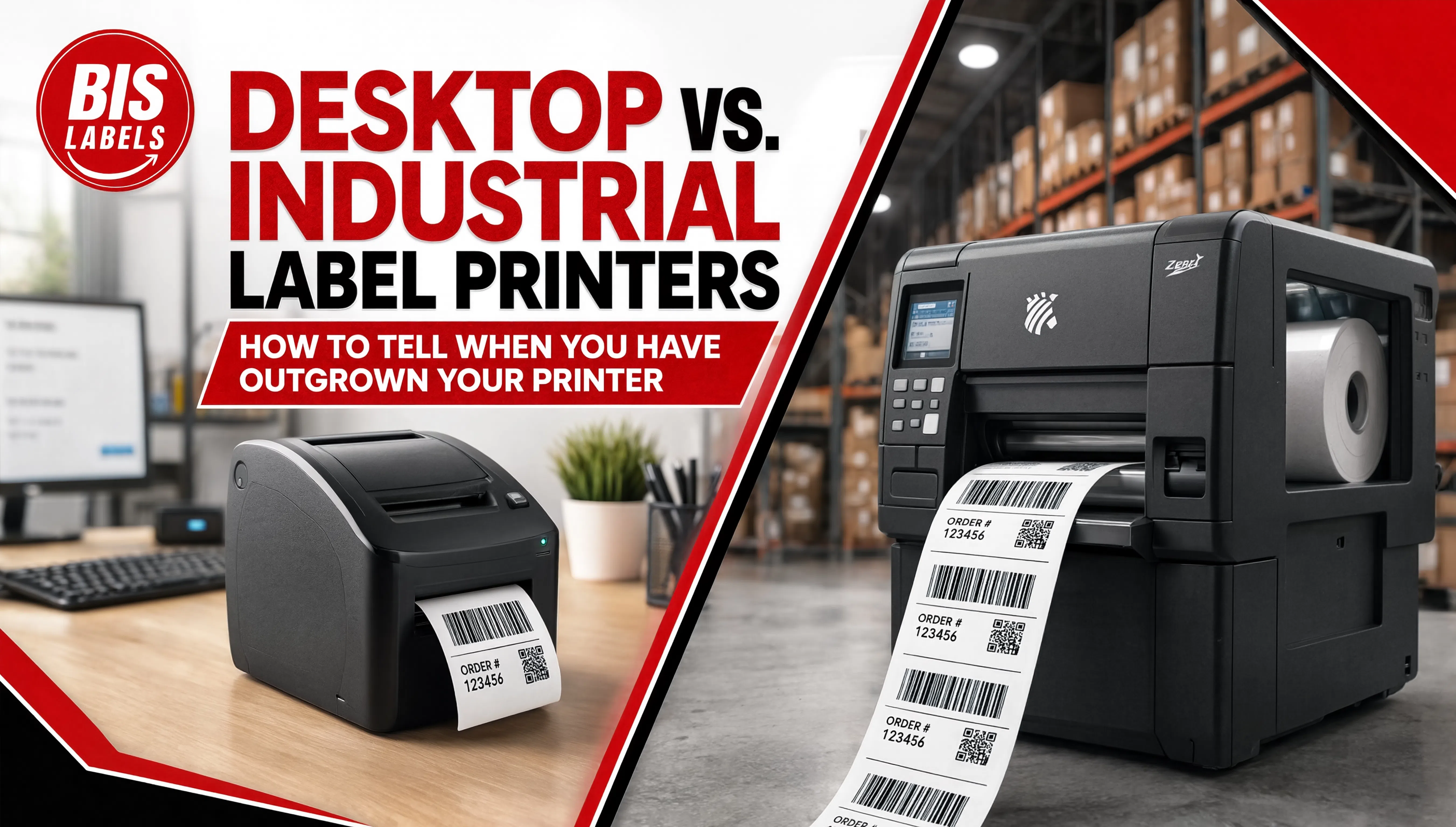
A desktop label printer is usually the right choice when a business first starts printing its own barcode or shipping labels, and for a long time it stays the right choice. The trouble shows up gradually: print jobs start taking longer, the printer needs maintenance more often than it used to, or labels that used to come out clean start showing streaks or faded sections partway through a batch. It is easy to mistake these symptoms for a label or ribbon problem when the actual cause is a printer running well past the volume it was built for.
This is a hardware decision, related to but distinct from the label sizing and roll specification questions covered in How to Read a Label Roll Spec Sheet. That post assumes the printer itself is the right tool for the job. This one is about recognizing when it no longer is.
What Actually Separates Desktop From Industrial Printers
Duty cycle. This is usually the deciding factor. Desktop printers are built for low to moderate volume, typically a few hundred to a few thousand labels a day. Industrial printers are engineered for continuous operation across full shifts, sometimes around the clock, processing tens of thousands of labels a day without the print quality degrading. Pushing a desktop printer consistently past its rated duty cycle accelerates wear on the printhead and platen roller well before either component was expected to need replacement.
Build quality and durability. Desktop printers are generally built with a mix of plastic and metal components suited to office or light commercial environments. Industrial printers use ruggedized enclosures designed to handle dust, temperature swings, and the physical conditions of a warehouse or production floor.
Print speed and media handling. Industrial printers typically print faster and accommodate wider rolls and larger media formats than desktop units, which matters directly for batch printing and high-volume fulfillment.
Connectivity and integration. Both categories generally support USB, and many support network and wireless connectivity, but industrial printers more often come built for direct integration with warehouse management and label design software running continuous, automated print jobs rather than one-off desktop print runs.
Signs You Have Outgrown a Desktop Printer
- Print jobs are taking noticeably longer than they used to, particularly for large batch runs that used to complete in a predictable window
- The printer needs maintenance, cleaning, or part replacement more frequently, a common sign that the printhead or platen roller is wearing out faster than expected under sustained volume
- Print quality degrades partway through a large batch, showing up as fading, streaking, or inconsistent barcode contrast toward the end of a run
- Staff are running multiple desktop printers in parallel just to keep up with daily volume, which is often a sign that a single industrial unit would be both cheaper and more reliable than the combined cost of maintaining several desktop printers
- Label sizes or materials the business now needs exceed what the current printer can handle, such as wider rolls, thicker synthetic stock, or RFID encoding, covered in more depth in RFID vs. Barcode Labels
What the Transition Actually Involves
Moving from a desktop printer, including common small-office units like DYMO printers, to an industrial thermal printer is not just a hardware swap. Label and ribbon stock formats often differ between desktop and industrial printers, so it is worth confirming compatibility before ordering supplies for a new unit. For operations moving off a DYMO-style desktop printer specifically, checking DYMO Compatible Labels against what an industrial printer actually requires is a useful first step, since roll width, core size, and label format are rarely identical between the two printer classes.
Staff training for an industrial printer is typically brief, but it is worth budgeting time for it rather than assuming a unit that looks similar to a desktop printer will operate identically. Most operations see the return on an industrial printer through faster batch printing, fewer maintenance interruptions, and less waste from labels that had to be reprinted after a quality issue partway through a run.
A Practical Way to Decide
Before purchasing an industrial printer, it is worth tracking actual daily and peak print volume for a few weeks rather than estimating it. If volume regularly approaches or exceeds a desktop printer's rated duty cycle, or if multiple desktop units are already running in parallel to keep up, the math usually favors a single industrial printer over continuing to push desktop hardware past what it was built for.
Matched to the Printer You Actually Run
BIS Labels supplies label and ribbon stock across desktop and industrial printer formats, including DYMO Compatible Labels and roll stock built for industrial thermal printers. Check Printer Compatibility for your specific model, browse Rolls, or request a quote and describe your current volume and printer, and our team will help you confirm whether it is time to upgrade or whether the right supplies are all your current setup actually needs.